



-
- Item #16354
- PN: GTN750XI
- In Stock
- Item #16354
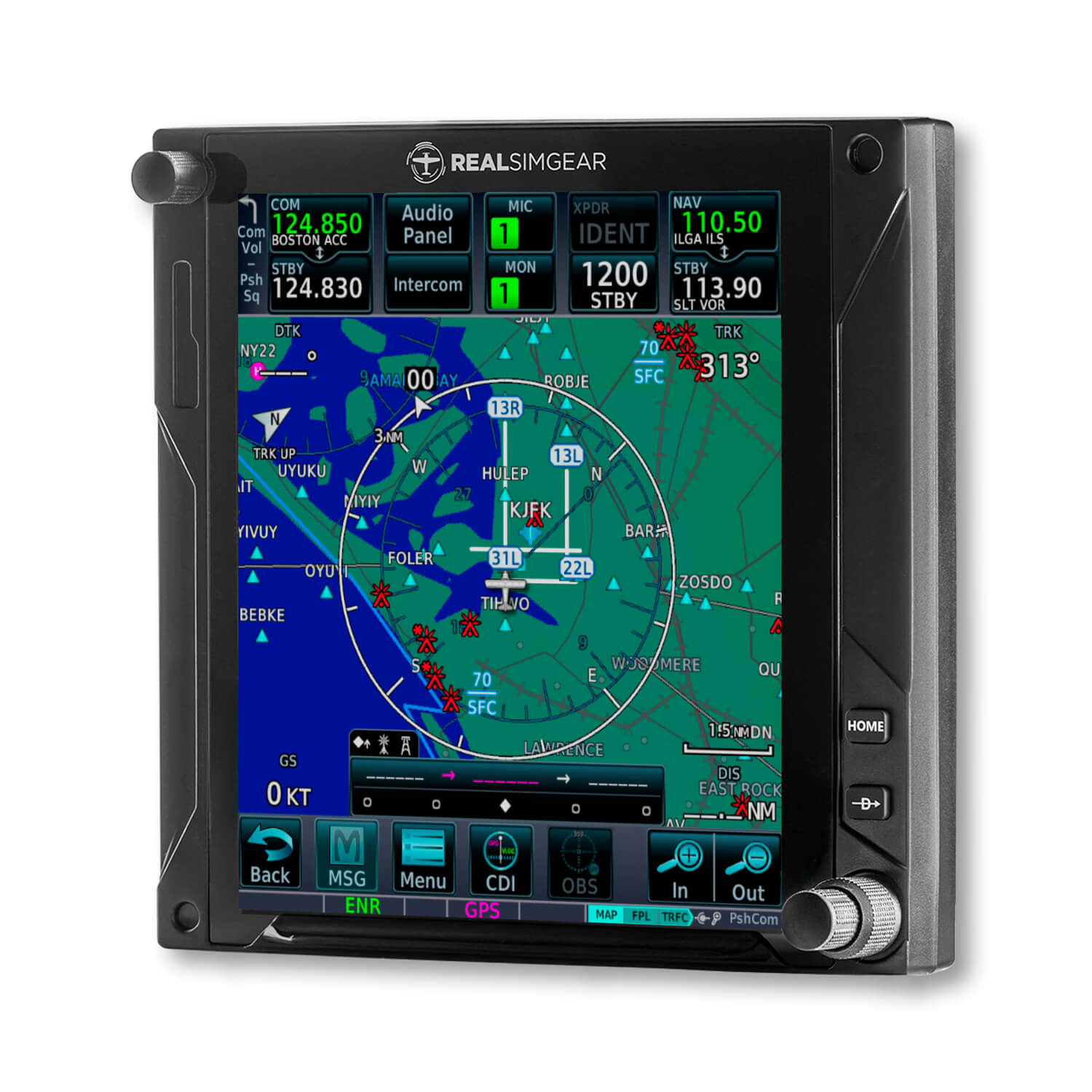
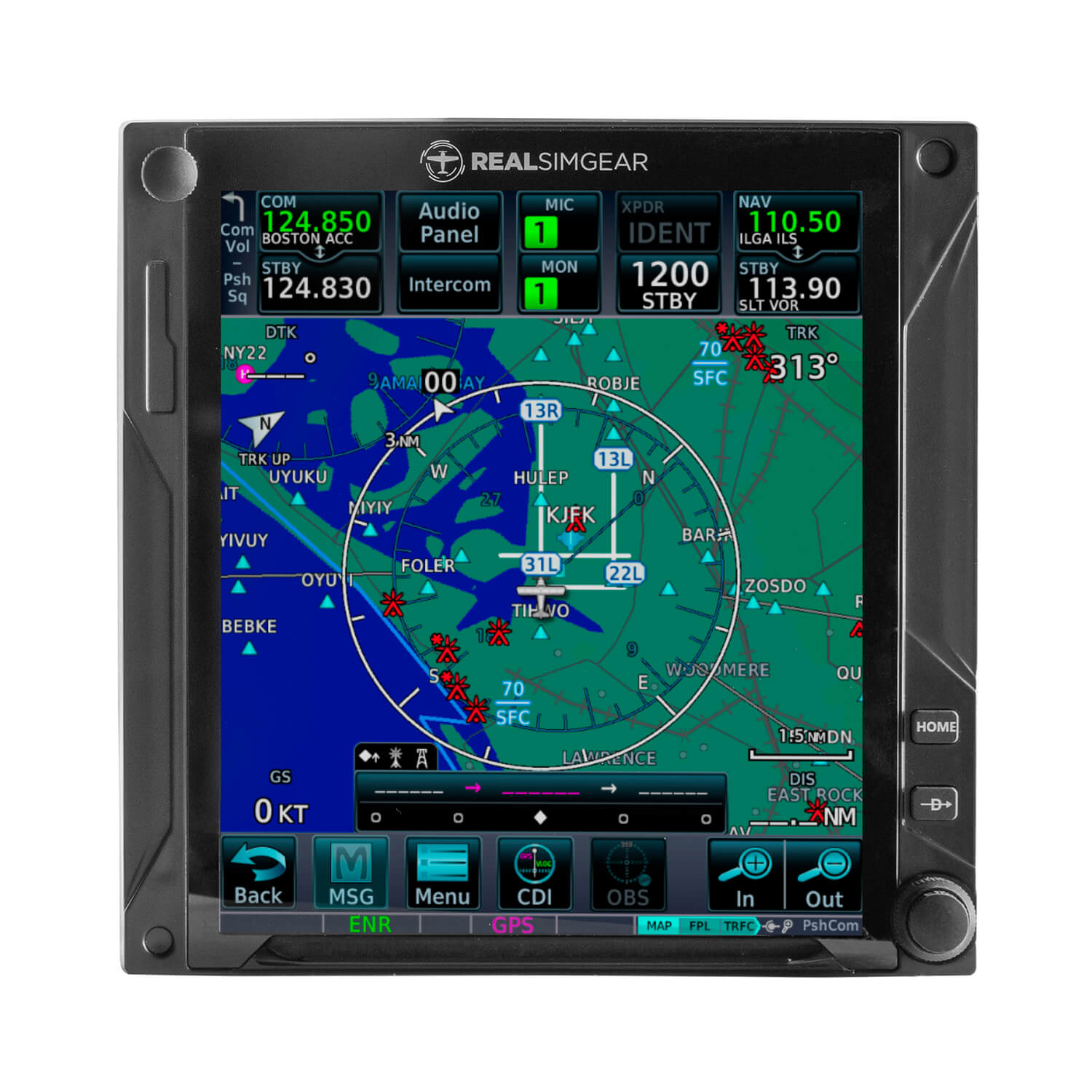
The RealSimGear GTN750xi provides an ultra-realistic NAV/COM touchscreen interface for your flight simulator. It is designed to help pilots, flying students, and home cockpit builders learn and practice the Garmin GTN750xi interface with a more realistic experience than using a mouse.
With its premium build, Xi-style interface, enhanced display performance, integrated touchscreen, functional knobs, and tactile rubber buttons, the RealSimGear GTN750xi helps build familiarity, muscle memory, and proficiency for instrument flying.
RealSimGear GTN750xi Flight Simulator Interface features:
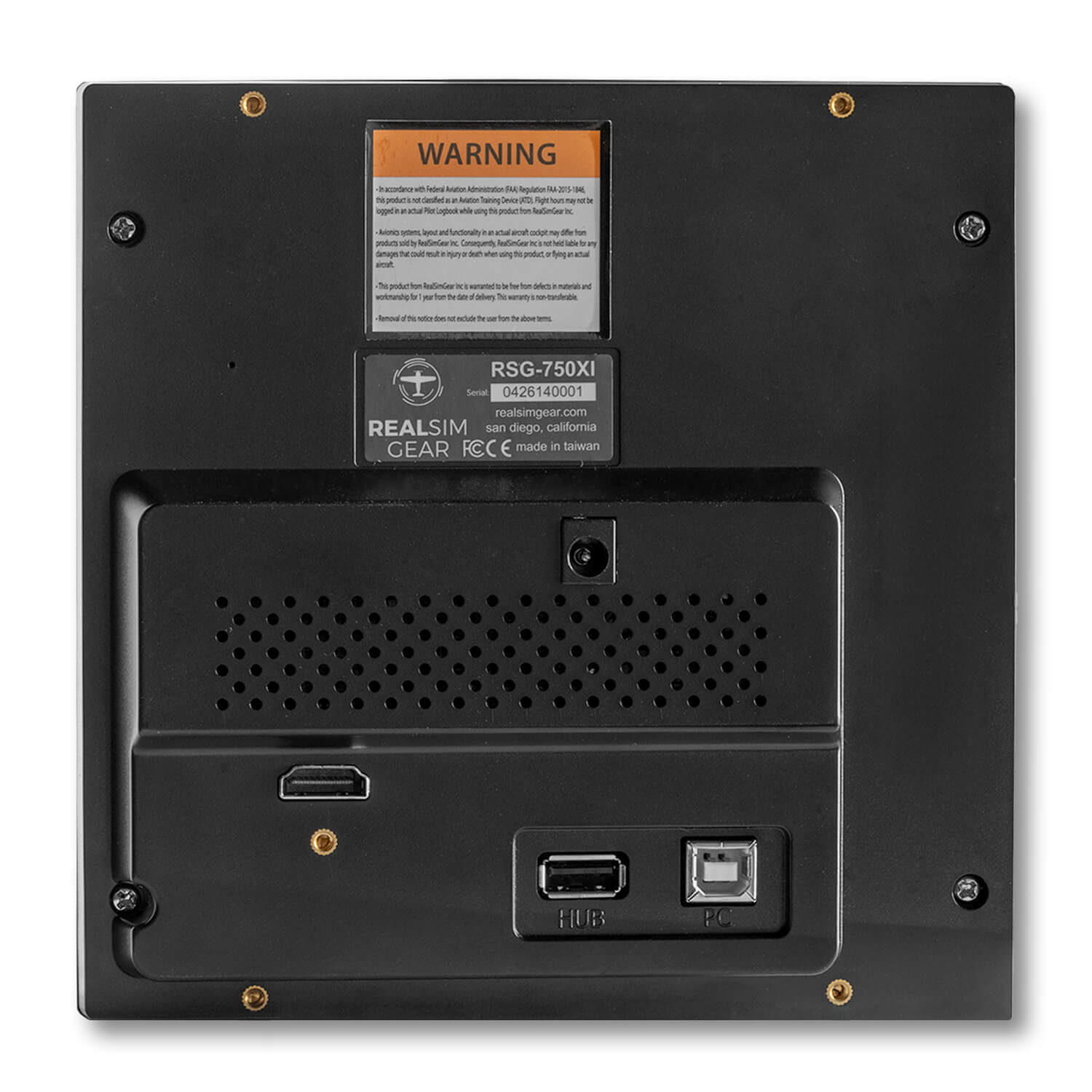
- Integrated touchscreen: Responsive, high-resolution touchscreen enables all GTN750xi on-screen functions. Connects via HDMI and USB.
- Fully assembled and enclosed: No assembly, 3D printing, or soldering required. Comes fully enclosed and ready to mount in your panel. Desktop bracket coming soon.
- Functional knobs and tactile buttons: Rubber buttons are designed to match the feel of the real device.
- Fast COM radio frequency changes: Change comm radio frequencies quickly and easily without fumbling with a mouse.
- More effective sim training: Helps make simulator training more representative of real-world flying.
- Desktop or panel mount: Suitable for desktop or panel-mounted simulator setups.
- Accurate dimensions: Measures 158mm x 160mm and sits 22mm in front of the desktop bracket or panel surface.
Ideal for instrument flight training and home cockpits
This RealSimGear GTN750xi is especially helpful for learning and practicing instrument flying procedures. When used with virtual ATC services such as SayIntentions.AI, PilotEdge, or VATSIM, it helps create a more realistic simulation environment. This can help you become familiar with the Garmin GTN750xi interface and controls before actual lessons with your CFII.
Required avionics software
- For X-Plane 11 and X-Plane 12, RealSimGear only recommends TDS Simulations GTNXi avionics.
- For PC versions of Microsoft Flight Simulator 2020 and 2024, RealSimGear recommends TDS Simulations GTNXi Pro.
- With TDS GTNXi Pro, you can use a realistic representation of Garmin GTN avionics with the ease of an updatable database through a Navigraph subscription.
Important compatibility note: This device is not compatible with Mac due to driver and screen handling issues with MacOS. A PC is required.
Lowest Price Guaranteed!

If you find a better price elsewhere on this product we will Match that price and beat it by 10% of the difference. See Details.
Buy with Confidence!

Purchase today and you can return it in the original condition through Tuesday, November 24, 2026! See our return policy.
- In Stock
- Item #16354
- PN: GTN750XI
Garmin GTN750xi for Flight Simulators Overview:
The RealSimGear GTN750xi provides an ultra-realistic NAV/COM touchscreen interface for your flight simulator. It is designed to help pilots, flying students, and home cockpit builders learn and practice the Garmin GTN750xi interface with a more realistic experience than using a mouse.
With its premium build, Xi-style interface, enhanced display performance, integrated touchscreen, functional knobs, and tactile rubber buttons, the RealSimGear GTN750xi helps build familiarity, muscle memory, and proficiency for instrument flying.
RealSimGear GTN750xi Flight Simulator Interface features:
- Integrated touchscreen: Responsive, high-resolution touchscreen enables all GTN750xi on-screen functions. Connects via HDMI and USB.
- Fully assembled and enclosed: No assembly, 3D printing, or soldering required. Comes fully enclosed and ready to mount in your panel. Desktop bracket coming soon.
- Functional knobs and tactile buttons: Rubber buttons are designed to match the feel of the real device.
- Fast COM radio frequency changes: Change comm radio frequencies quickly and easily without fumbling with a mouse.
- More effective sim training: Helps make simulator training more representative of real-world flying.
- Desktop or panel mount: Suitable for desktop or panel-mounted simulator setups.
- Accurate dimensions: Measures 158mm x 160mm and sits 22mm in front of the desktop bracket or panel surface.
Ideal for instrument flight training and home cockpits
This RealSimGear GTN750xi is especially helpful for learning and practicing instrument flying procedures. When used with virtual ATC services such as SayIntentions.AI, PilotEdge, or VATSIM, it helps create a more realistic simulation environment. This can help you become familiar with the Garmin GTN750xi interface and controls before actual lessons with your CFII.
Required avionics software
- For X-Plane 11 and X-Plane 12, RealSimGear only recommends TDS Simulations GTNXi avionics.
- For PC versions of Microsoft Flight Simulator 2020 and 2024, RealSimGear recommends TDS Simulations GTNXi Pro.
- With TDS GTNXi Pro, you can use a realistic representation of Garmin GTN avionics with the ease of an updatable database through a Navigraph subscription.
Important compatibility note: This device is not compatible with Mac due to driver and screen handling issues with MacOS. A PC is required.
0 CUSTOMER REVIEWS
Garmin GTN750xi for Flight Simulators
0 Reviews
- Be the first to review this product!
1 QUESTIONS & ANSWERS
Previously Asked Questions
-
Wednesday, July 22, 2026
Q: IS THIE STAND ALONE UNIT
A: No, this unit requires a PC to operate. It connects using HDMI and USB cables and relies on flight simulation software like X-Plane 12.


Lowest Price Guaranteed!
If you find a better price elsewhere on this product we will match that price and beat it by 10% of the difference.
Buy with Confidence!
Purchase today and you can return it in the original condition through Tuesday, November 24, 2026 ! See our return policy.